CI/CD in Xano:
Ship with
confidence.
Xano gives engineering teams a complete CI/CD workflow for their backend, whether they build with AI, in code, or in the editor.


Most backend platforms make CI/CD a DIY project
Most backend-as-a-service (BaaS) platforms treat CI/CD as someone else’s problem. Xano takes a different approach. Branching, environment isolation, and deployment automation are built into the platform - so your CI/CD workflow is native to how you build, not an afterthought you maintain separately.
“We’re generating more backend logic with AI than ever, and Xano’s CI/CD workflow capabilities is what makes that sustainable. We can push AI-generated changes to a sandbox, review them visually, and only promote what actually works. That safety net is the reason we’re comfortable moving fast.”
Principal Software Engineer, Deriv
Where Xano CI/CD beats other BaaS

Readable review that other platforms don't offer
Branch your backend logic, see exactly what changed in Canvas View, and selectively merge - without relying solely on raw code review.

Environment isolation beyond logic
Go beyond logical branching with dedicated tenant environments that isolate data, resources, and even geographic regions.

A CLI that connects to the platform, not just code
Script deployments, spin up sandboxes, and integrate with CI/CD pipelines - all wired into one shared picture of what got built.
Built-in CI/CD gives your team:
Branches for developing and testing backend logic independently.
Side-by-side diff comparisons before any merge.
Isolated tenant environments for staging, UAT, and regional compliance.
A CLI for managing environments, syncing logic, and scripting deployments.
Ephemeral sandboxes for safe experimentation with AI-generated or untested code.
Git compatibility for version control, code review, and audit trails.
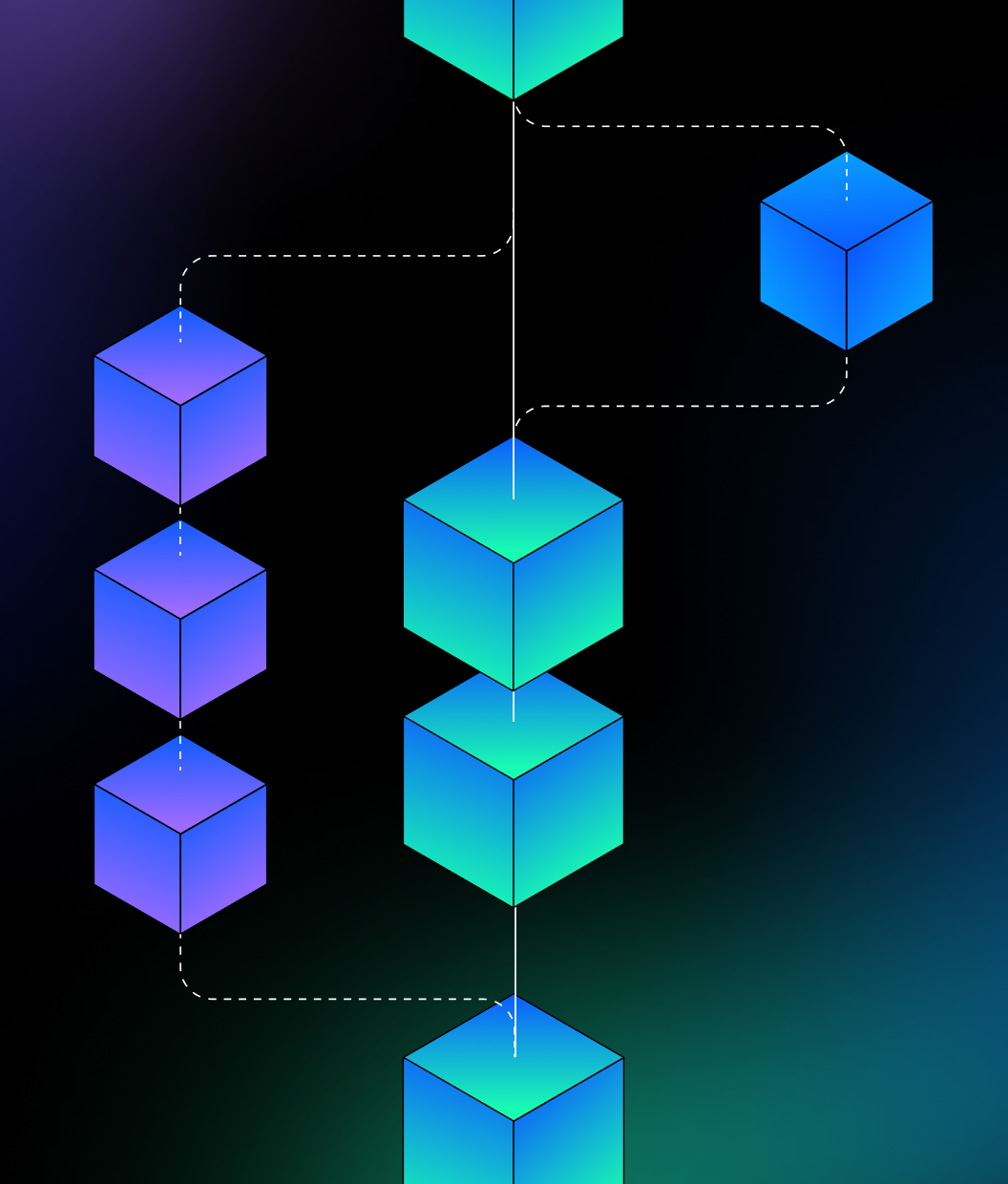
Branching and merging:
Develop without disrupting
Create branches to develop features, fix bugs, or test changes - all without affecting what's live. When you're ready, see exactly what changed and merge with full control over what gets promoted.
Branch your workspace's APIs, functions, addons, and tasks into isolated copies.
Compare changes side by side with a built-in diff.
Selectively merge - choose exactly which changes to include.
Automatic backup before every merge with instant rollback.
Set workspace triggers to fire on branch, merge, or go-live events.
Xano CLI:
Commands instead of clicks
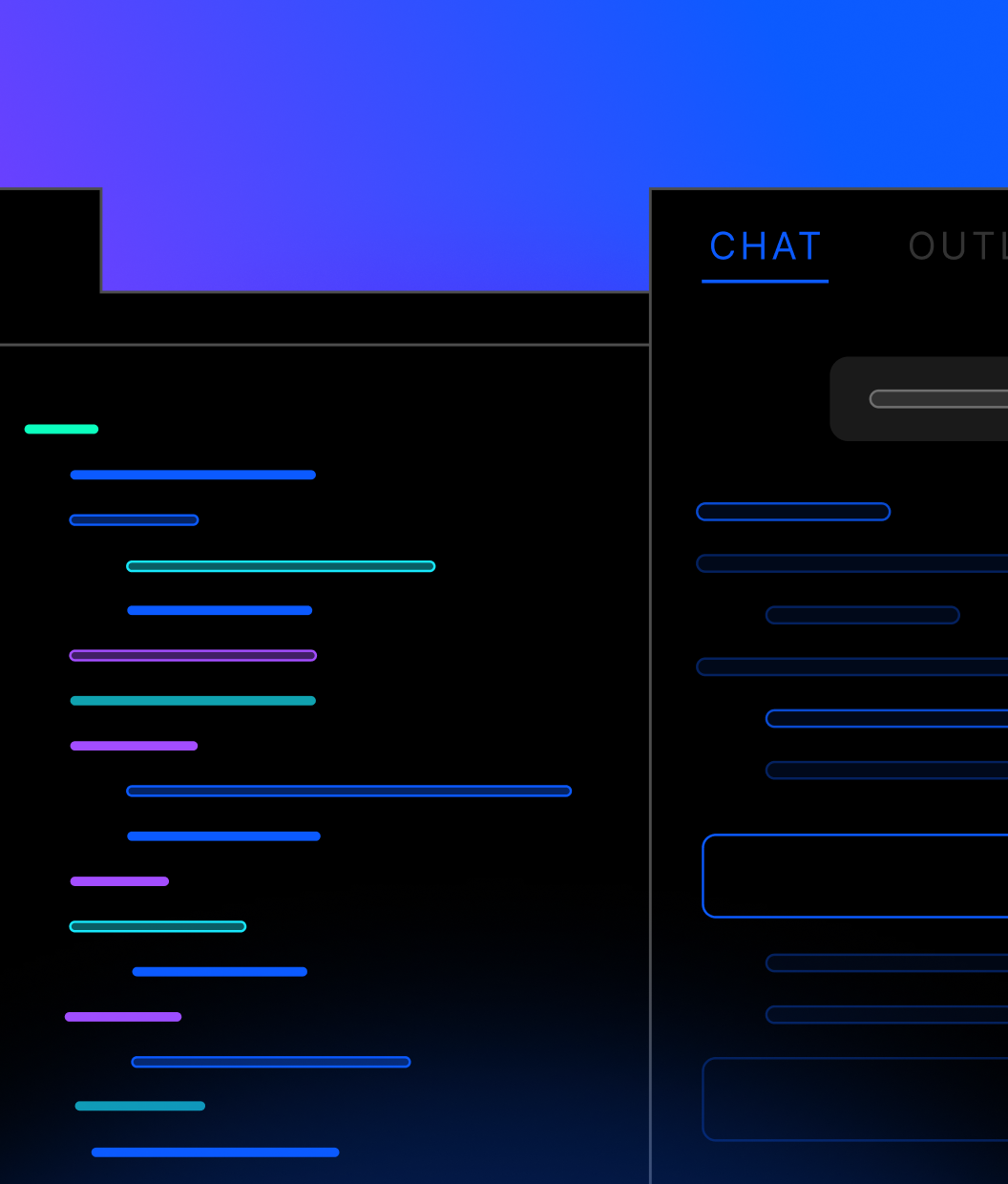
Manage backend logic, environments, and workflows from your terminal. Pull XanoScript locally, edit in your IDE, version with Git, and push changes back - without opening the browser.
Pull and push code with single commands.
Spin up ephemeral sandboxes for safe experimentation.
Commit backend logic to Git for version control, code review, and audit trails.
Script deployments and trigger actions from Git events like merges or tags.
Integrate Xano into existing CI/CD pipelines programmatically.
Tenant Center:
Enterprise-grade environment isolation
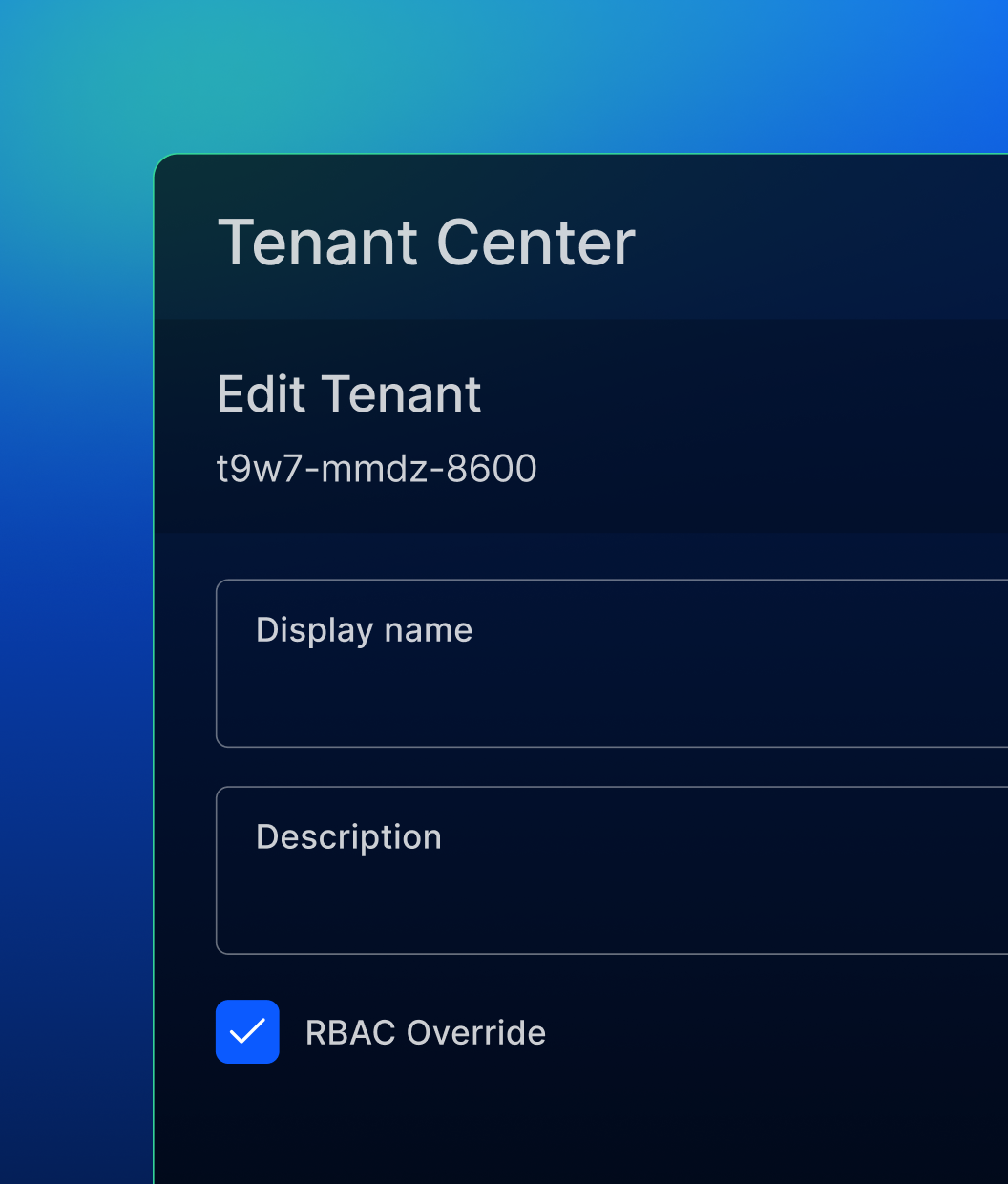
For teams that need more than logical branching, Tenant Center provides infrastructure-level isolation. Create and manage separate tenant environments with control over data, resources, and regional deployment.
Isolate tenant data while sharing the same cluster.
Dedicate CPU and RAM per tenant with namespace-level resource controls.
Deploy tenants to specific geographic regions for data residency compliance.
Run different Xano versions per tenant for UAT or staged rollouts.
Impersonate any tenant for testing, troubleshooting, or support.
The backend agents can build and
humans can trust.
Frequently asked questions
Xano provides built-in branching and merging for backend logic, a CLI for terminal-based environment management and deployment automation, and Tenant Center for infrastructure-level isolation. Together, these features give teams a complete workflow for developing, testing, and promoting backend changes safely.
A branch is a copy of your workspace’s business logic - APIs, functions, addons, and tasks. You can create branches from any existing branch, develop in isolation, compare differences with a built-in diff view, and merge changes back with full control over what gets included. Automatic backups before merges let you roll back if needed.
Yes. When you pull XanoScript locally with the CLI, it lives as files on your machine. You can commit to any Git repo, use branches and pull requests for code review, and maintain a full version history. You can also trigger CLI commands from Git events like merges or tags.
The Xano CLI is a command-line interface for managing backend logic, environments, and workflows from your terminal. Pull XanoScript locally, edit in your preferred IDE, push changes back, spin up sandboxes, and script deployments - all without the browser UI.
The CLI’s scriptable commands integrate directly into CI/CD pipelines. You can script environment creation, push changes, run tests, and deploy as repeatable steps in your existing pipeline tooling.
Ephemeral workspaces are temporary, isolated environments you can spin up from the CLI. They let you test changes - including AI-generated code - without affecting production or shared environments, and can be discarded when you’re done.
Tenant Center is an enterprise feature that lets you create and manage multiple tenant environments with data, resource, and regional isolation. It’s designed for teams that need separated environments for CI/CD workflows, customer data privacy, resource optimization, or regulatory compliance.
Branching isolates your business logic - APIs, functions, and tasks - within the same workspace. Tenant Center isolates at the infrastructure level, giving you separate data, CPU/RAM allocation, and even regional cluster deployment. Most teams use branching for day-to-day development and Tenant Center for enterprise-grade environment management.
No. Branching and merging are available to all Xano users and provide a strong foundation for safe development workflows. The CLI adds terminal-based automation and Git integration for teams with engineering pipeline requirements. Tenant Center adds infrastructure isolation for enterprise teams with compliance or multi-tenancy needs. Use what fits your workflow.
Yes. The combination of branching, the CLI, and ephemeral sandboxes is designed to make AI-generated backend logic safe to test and deploy. Generate code with AI, push it to an isolated environment, validate it in the Xano editor or with tests, and only promote to production once you’re confident it works.
Sign up for Xano
Join 100,000+ people already building with Xano.
Start today and scale to millions.
Start building for free