Build your backend with 
Claude Code writes the logic. Xano handles the rest. You’ll get the fastest and safest path from prompt to production-ready backend— without the DevOps overhead.

Built for standardized agent output
Xano’s Developer MCP provides the context needed to channel Claude output into consistent, validated backend patterns ready for production.

Designed to be agent-safe
Use the Xano CLI to spin up isolated environments with a few commands and test against production-grade infrastructure—so you know Claude’s code works, not just that it compiles or passes tests.

Ready for production
Claude can generate your app in minutes. But through visual validation and enterprise-grade infrastructure, Xano is what makes it production-ready.

How to build backends with
Claude Code
Install and connect.
Set up the Xano CLI and Developer MCP. Pull your workspace locally and keep a backup in Git.
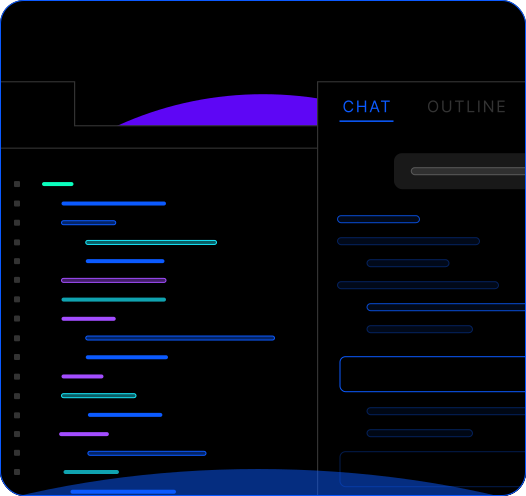
Prompt and build.
Open your project in your IDE with Claude Code running in the integrated terminal. Describe what you need—APIs, workflows, data models—and let Claude generate backend logic in XanoScript.
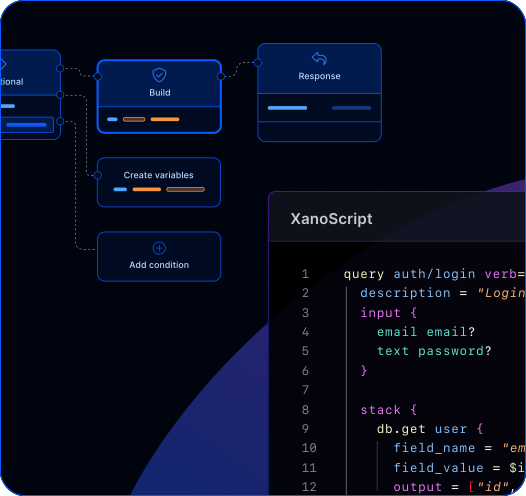
Validate and ship.
Push to Xano with the CLI, review visually for correctness, and iterate as your backend evolves.
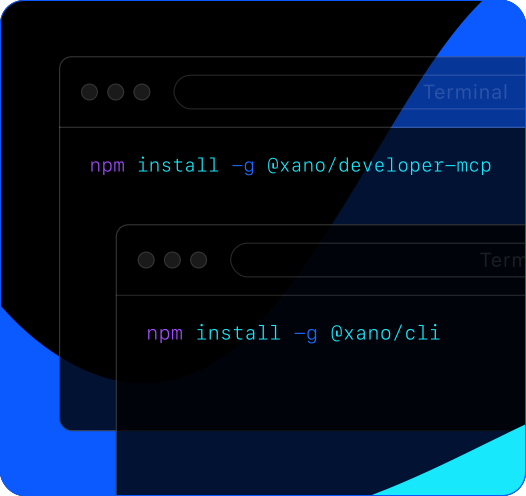
Install and connect.
Set up the Xano CLI and Developer MCP. Pull your workspace locally and keep a backup in Git.
Prompt and build.
Open your project in your IDE with Claude Code running in the integrated terminal. Describe what you need—APIs, workflows, data models—and let Claude generate backend logic in XanoScript.
Validate and ship.
Push to Xano with the CLI, review visually for correctness, and iterate as your backend evolves.


Everything Claude Code needs to ship real backends


The backend agents can build and
humans can trust.
Frequently asked questions
Yes. The Developer MCP reads your existing schemas, endpoints, and logic—so Claude Code works with what you’ve already built, not just greenfield projects. You can start using Claude Code on day one without restructuring anything.
The Developer MCP gives Claude Code structured context about your Xano workspace—your database schemas, API endpoints, existing logic, and platform capabilities. It also teaches Claude Code how to write valid XanoScript using the right patterns, so what it generates isn’t just syntactically correct—it’s architecturally correct. Combined with the CLI, this creates a feedback loop where AI can generate, validate, and deploy backend logic reliably.
The Developer MCP spins up unit tests as it goes, so AI-generated logic is validated in real time. Beyond that, every change can be spun up in its own isolated environment and tested against production-grade infrastructure before anything goes live. You’re never deploying blind.
Yes. Xano’s Developer MCP works with AI-powered IDEs like Cursor and Windsurf, CLI agents like Claude Code, and any other tool that supports the MCP protocol. It gives them direct access to Xano’s official documentation and the XanoScript language server, so AI-generated backend logic is informed by the platform’s actual rules and constraints, reducing errors before you ever deploy. Teams also use Xano to build visually or with traditional code—no AI required.
No, but most developers using Claude Code prefer it. The CLI is the bridge between Xano’s platform, Claude Code running locally, and your git workflows—giving you branch management, local testing, and deployment controls in one place.
Yes. The AI generates the logic, but Xano provides the infrastructure—scalable Postgres, auth, background jobs, and automatic deployment. AI-generated code runs on the same production-grade stack as everything else on Xano. Scaling isn’t a code problem here; it’s handled at the platform level.
AI is great at going from zero to one, but sometimes you need more careful control to refine, modify, and extend what was generated. That’s where Xano’s visual builder, code editor, and branching workflows come in—everything Claude Code generates is visible, editable, and portable. You’re never locked into AI-generated output you can’t understand or change.
Sign up for Xano
Join 100,000+ people already building with Xano.
Start today and scale to millions.
Start building for free
©2026 Xano. All Rights Reserved.


