
The backend built
for coding agents
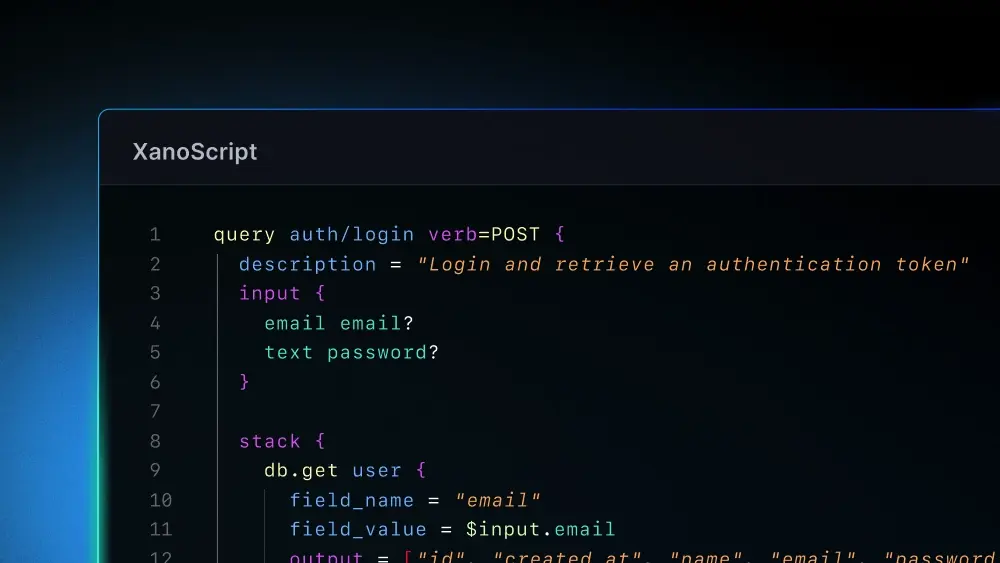
Xano gives agents the tools they need to succeed. XanoScript is a scripting language purpose-built for agent coding, the Developer MCP makes your agents XanoScript experts, and Knowledge gives your coding agents the rules they need to follow for your business.

A toolset designed for agents
With XanoScript plus the Developer MCP, your agents will know exactly how to generate production-ready code.

The guardrails your agents need
A Knowledge library tells your agents how to build the way your team builds.

The ability to see what agents are doing
Quickly verify what your agents built by reviewing Xano’s visual layer.
Get started building with
XanoScript and agents
Install and connect.
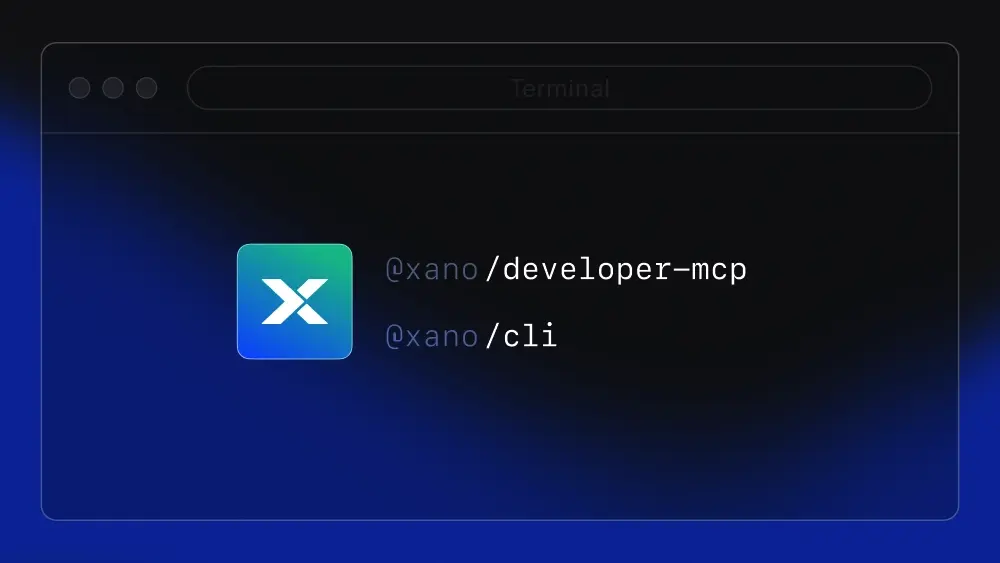
Set up the Xano CLI and Developer MCP. Pull your workspace locally and keep a backup in Git.
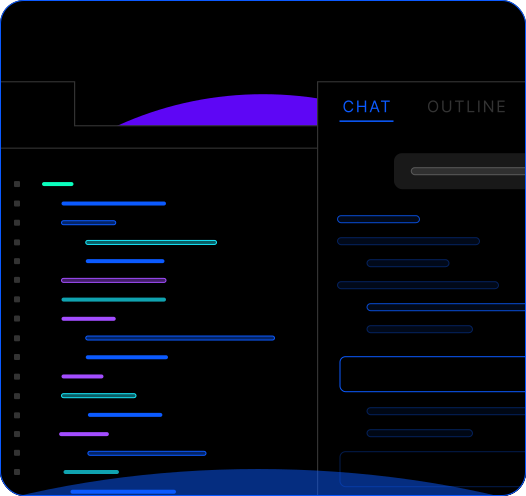
Prompt and build.
Open your project in your IDE with Claude Code running in the integrated terminal. Describe what you need—APIs, workflows, data models—and let Claude generate backend logic in XanoScript.
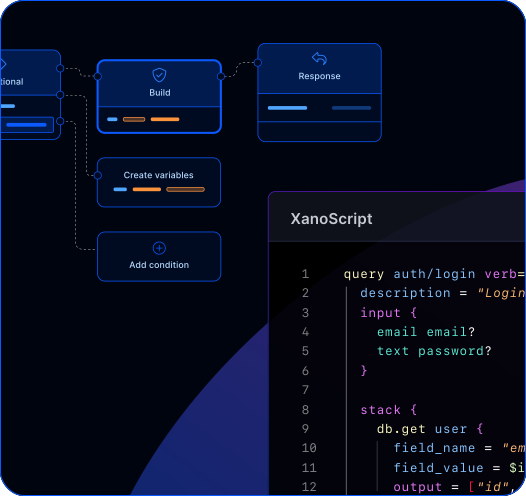
Validate and ship.
Push to Xano with the CLI, review visually for correctness, and iterate as your backend evolves.
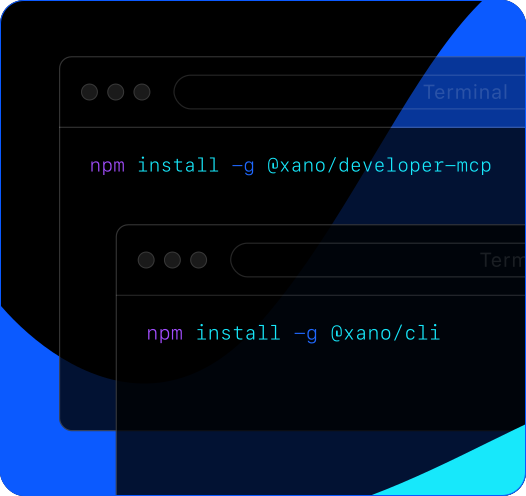
Install and connect.
Set up the Xano CLI and Developer MCP. Pull your workspace locally and keep a backup in Git.
Prompt and build.
Open your project in your IDE with Claude Code running in the integrated terminal. Describe what you need—APIs, workflows, data models—and let Claude generate backend logic in XanoScript.
Validate and ship.
Push to Xano with the CLI, review visually for correctness, and iterate as your backend evolves.
Work with your coding agent of choice


Turn your AI coding agent into a spec-aware Xano copilot. The Developer MCP connects tools like Claude Code, Cursor, and Windsurf to official Xano documentation and the XanoScript language server—so AI generates backend logic that actually works.
Generate solutions grounded in real Xano capabilities, not guesses.
Validate syntax against the XanoScript language server before deployment.
Catch errors before execution—no more trial-and-error debugging cycles.
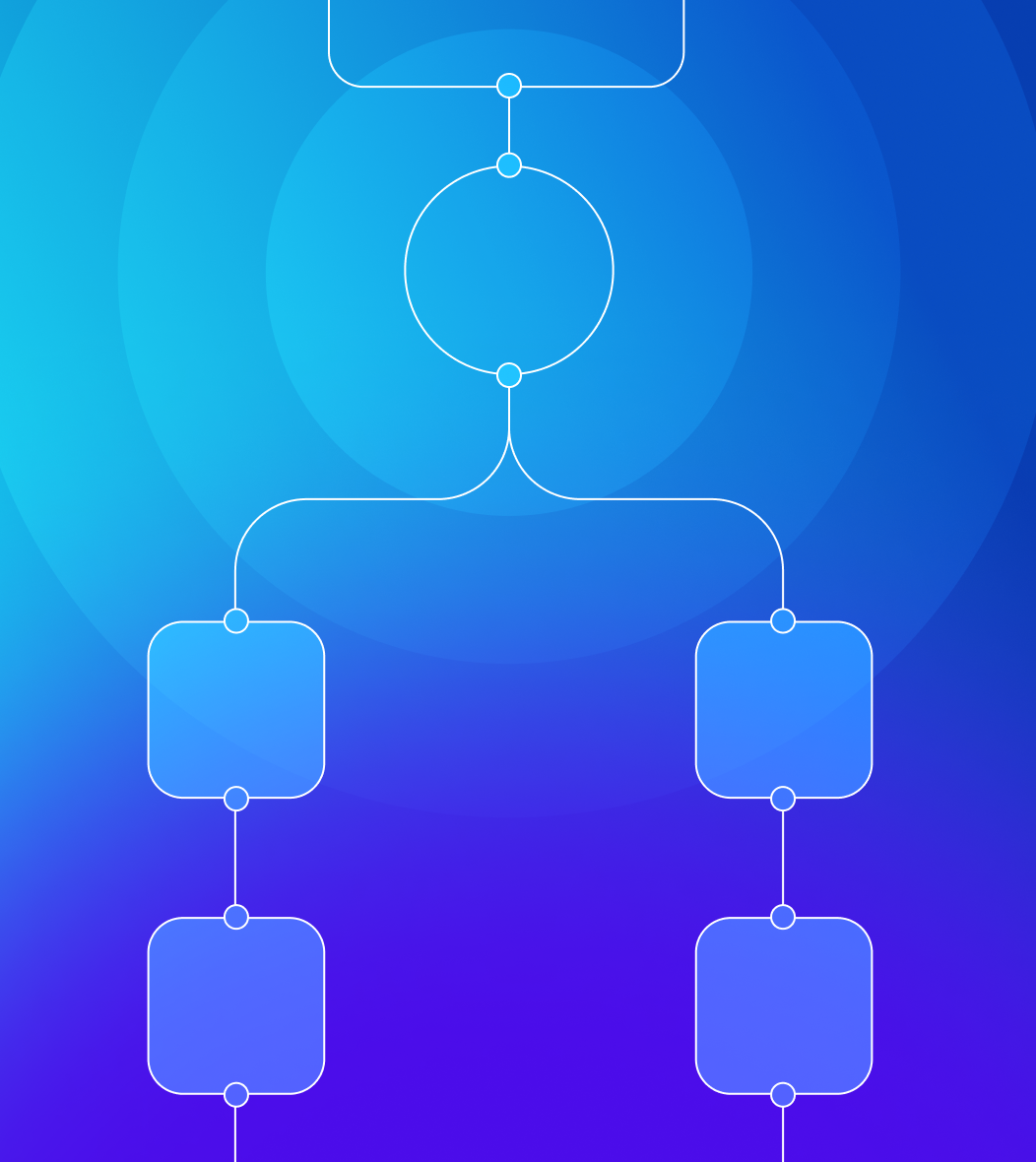
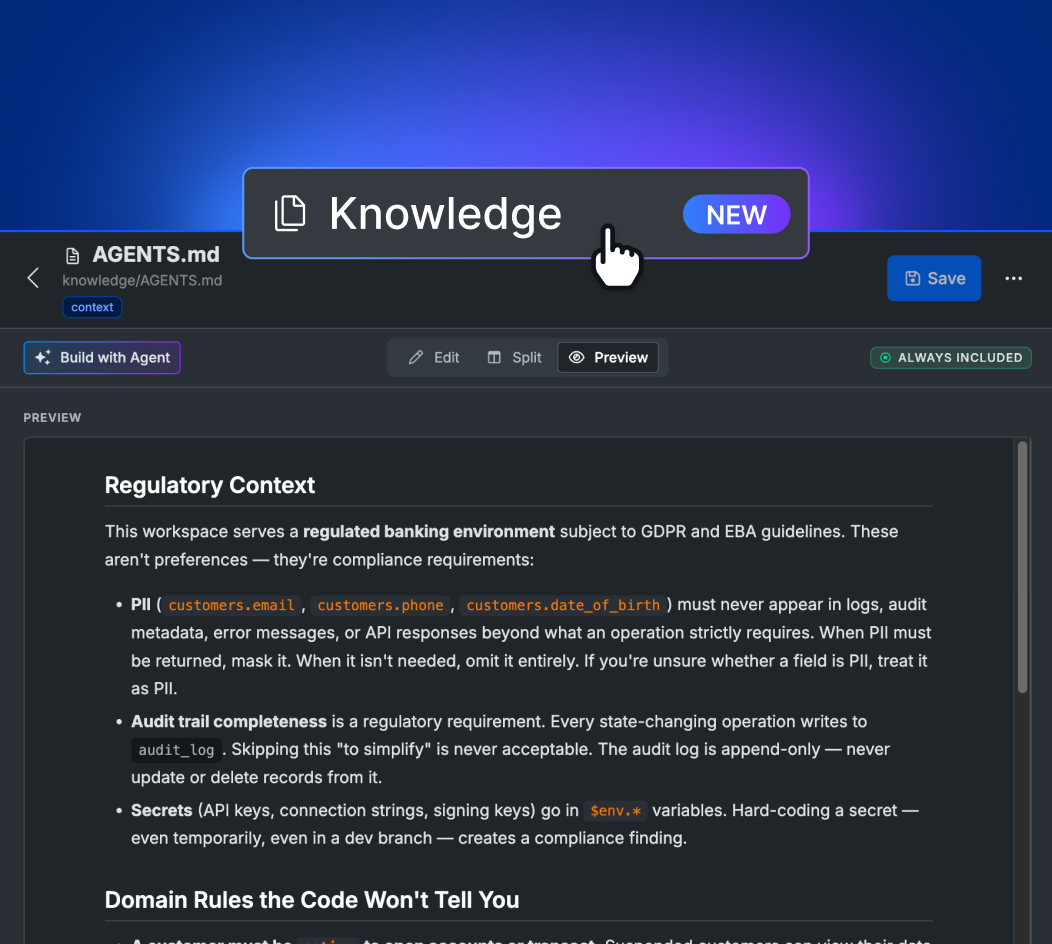
With Xano’s Knowledge feature, you can give your agents all the information they need to build correctly and predictably.
A workspace-native library of persistent, team-authored context tells agents how your team builds.
Author Knowledge in the Xano UI, via the Xano Agent, or through external agents over the Developer MCP, with versioning, commit review, and admin governance built in.
Your standards persist and carry across tools, so every agent builds the way your team builds instead of you re-explaining conventions each session.
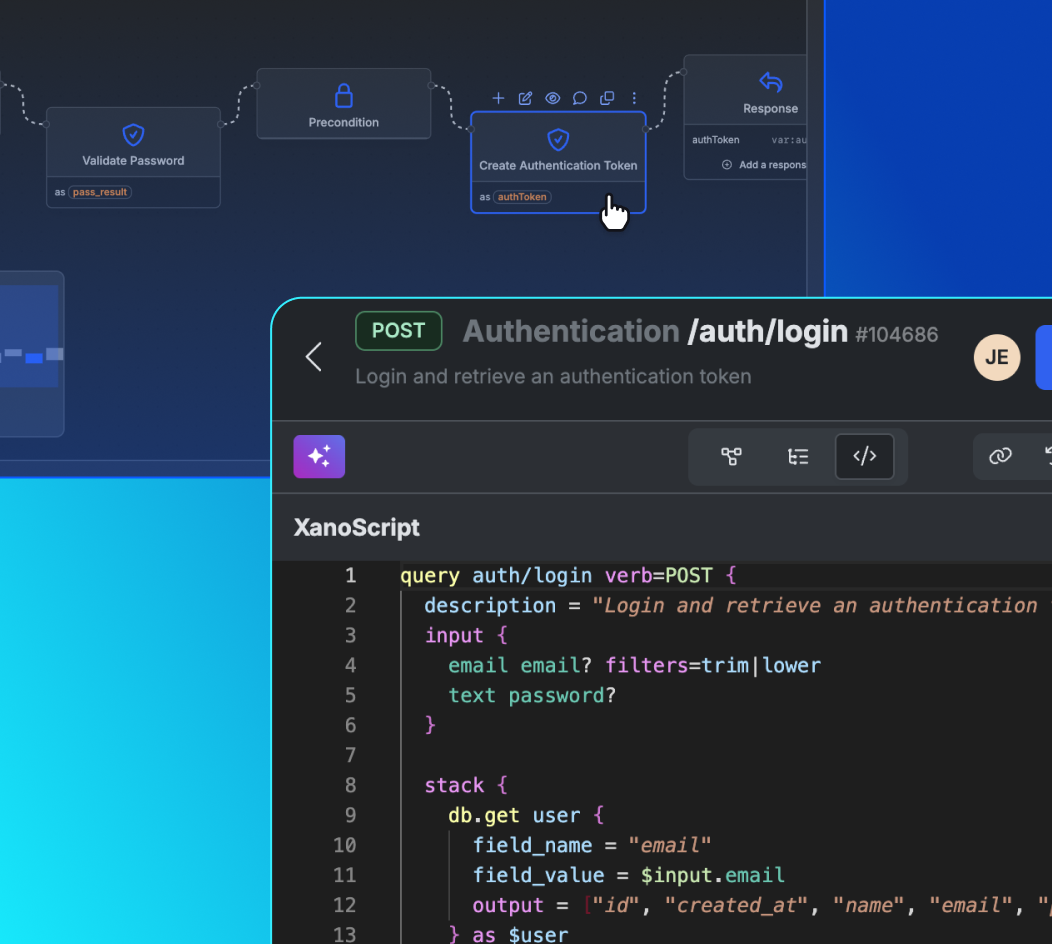
Xano’s code and visual layer is synced 1:1, so when agents generate code, you can see a visual representation that is easy to validate.
Validate workflows by enabling developers to check AI’s work without line-reading code.
Easily identify logic errors before they run.
Jump directly to the source of an error to debug quickly with the help of AI.
“Every other tool makes you choose—move fast with AI, or build something you’d actually put in production. Xano is the first backend where I don’t have to pick.”
Erik H.
Xano Community
The backend agents can build and
humans can trust.
Frequently asked questions
XanoScript is a scripting language purpose-built for human-agent collaboration in backend development. It gives developers and AI agents full code-level control while enforcing the structure, governance, and clarity needed for production systems.
The Developer MCP is a bridge between AI coding agents and the Xano platform. It connects tools like Claude Code, Cursor, and Windsurf to official Xano documentation and the XanoScript language server, giving agents the context they need to generate accurate, production-ready backend logic instead of guessing.
Knowledge is a workspace-native library of persistent, team-authored context that tells agents how your team builds. It comes in three forms: a workspace AGENTS.md for always-on rules, docs for on-demand reference, and skills for step-by-step procedures—the same skills and AGENTS.md pattern standard AI coding tools rely on, brought natively into a visual, governed workspace. You can author and manage it three ways—by hand in the Xano UI, through the Xano Agent, or via external coding agents over the Developer MCP—all writing to the same library, with reference files carried per skill. Inclusion modes (always, on demand, or manual) let each skill decide when it enters an agent’s context, so a large library never bloats a session. Every change flows through the same push and commit review as any other agent edit, with full version history, while admins lock and enforce both editing and inclusion. And the same context reaches your local coding agents through the CLI and Developer MCP—so instead of re-explaining your conventions every session, your team’s standards persist and apply repeatably, whatever tool your agents build in.
Yes. Modern AI models learn programming through abstractions—type systems, control flow, data modeling—not by memorizing syntax from millions of examples. That means they can write effectively in any well-documented language, including XanoScript. The Developer MCP takes this further by connecting AI agents directly to Xano’s official documentation and the XanoScript language server, so they can generate backend logic that aligns with the platform’s actual syntax and rules rather than producing generic or hallucinated code. This creates a closed feedback loop where AI can generate, validate, and refine XanoScript before it ever reaches production. The result is faster iteration, fewer structural errors, and AI output you can actually trust.
No. Xano’s visual builder works on its own. XanoScript is designed for teams that want code-level control, AI-assisted development, or advanced logic—without losing the transparency of visual validation.
XanoScript is optimized for AI-generated backend logic. When paired with the Developer MCP, agents can generate solutions grounded in real Xano capabilities, validate syntax before deployment, and catch errors early—reducing risk debugging cycles.
Unlike general-purpose languages, XanoScript enforces an opinionated, standardized structure across APIs, workflows, and services. This prevents logic from becoming fragmented or hidden and keeps systems readable, reviewable, and maintainable as teams scale.
Yes. Developers can write and edit backend logic directly in code, use AI tools when helpful, and validate results visually. The code stays perfectly in sync with Xano’s visual tools for easier debugging and collaboration with non-technical stakeholders.
Not at all. XanoScript simply adds flexibility. It allows technical users and AI systems to interact with the same visual logic in code form—bringing greater transparency, auditability, and speed to the process. Visual development remains central to Xano’s mission; XanoScript just extends its reach.
Sign up for Xano
Join 100,000+ people already building with Xano.
Start today and scale to millions.
Start building for free
©2026 Xano. All Rights Reserved.


