The Modern Xano AI
Workflow: Claude Code, Cursor, or any agent
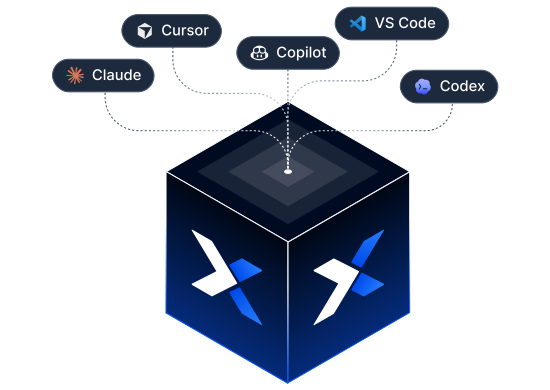
Learn how to use Xano’s Developer MCP and CLI with Claude Code, Cursor, or your preferred AI coding agents to build faster, reduce manual work, and adopt the AI-powered workflow our team recommends for modern Xano development.

Developer Relations Lead

Sr. Customer Support Engineer
Online workshop

What we’ll cover
Claude Code, Cursor, and other AI agents can write code in seconds, but getting it right still depends on context, validation, and a
development workflow you can trust.
In this hands-on workshop, we’ll show you how to combine the Xano Developer MCP and CLI to create an AI-powered development
workflow that helps you move faster, reduce rework, and confidently manage changes from your local environment to production.
Whether you’re just getting started with AI coding agents like Claude Code and Cursor, or looking to improve your existing
workflow, you’ll leave with practical techniques you can start using immediately.
You’ll see how to
-
Set up the Xano Developer MCP and CLI
-
Give AI the context it needs to generate better Xano code
-
Use knowledge-driven workflows to make AI more effective
-
Work locally with Git while keeping your Xano workspace in sync
-
Validate, review, and safely promote AI-generated changes
Trusted by product teams building the next generation of intelligent software.