
Bildr
No-code builder. Use Xano endpoints for data, auth, and business logic integration.
Setup Instructions
Integrating Xano with Bildr offers developers a powerful platform combination for developing dynamic, data-driven apps. Xano provides the backend infrastructure, including APIs and databases, while Bildr allows for the creation of intuitive and responsive front-end interfaces.
Here’s a detailed guide on how to develop web and mobile applications using Xano and Bildr.
Overview of Xano and Bildr
Xano is known for its robust backend-as-a-service capabilities, which include database management, API creation, and server-side logic — all within a no-code environment.
Bildr focuses on the frontend, providing a no-code solution for designing and deploying web interfaces that are both complex and customizable.
Setting Up the Integration
Setting Up Xano
Begin by creating your backend in Xano. This involves:
- Setting up your database schemas
- Creating APIs
- Configuring authentication methods
Xano’s interface makes it simple to set up these elements, even offering pre-built templates for common database schemas.
Developing the Frontend with Bildr
With your backend ready, switch to Bildr to start building your frontend.
- Use Bildr’s drag-and-drop interface to visually construct your application without writing code.
- Design pages, insert elements, and define interactions directly within the Bildr workspace.
Connecting Xano APIs to Bildr
To connect your Xano backend with the Bildr frontend:
- Generate API Endpoints in Xano: Ensure that your API endpoints are properly configured in Xano. These will be used to fetch data from or send data to your backend.
- Use Bildr’s API Integration Feature: In Bildr, use the API integration tool to connect to your Xano endpoints. You will need to provide the endpoint URLs from Xano and set up the appropriate headers and parameters in Bildr.
- Authenticating API Requests: If your Xano backend requires authentication, handle API tokens or session cookies in Bildr. Typically, this involves storing the authentication token received from Xano and using it in subsequent API requests to ensure they are recognized as authorized.
Practical Application: Creating a Login System
A common use case is creating a user login system:
- Xano Setup:
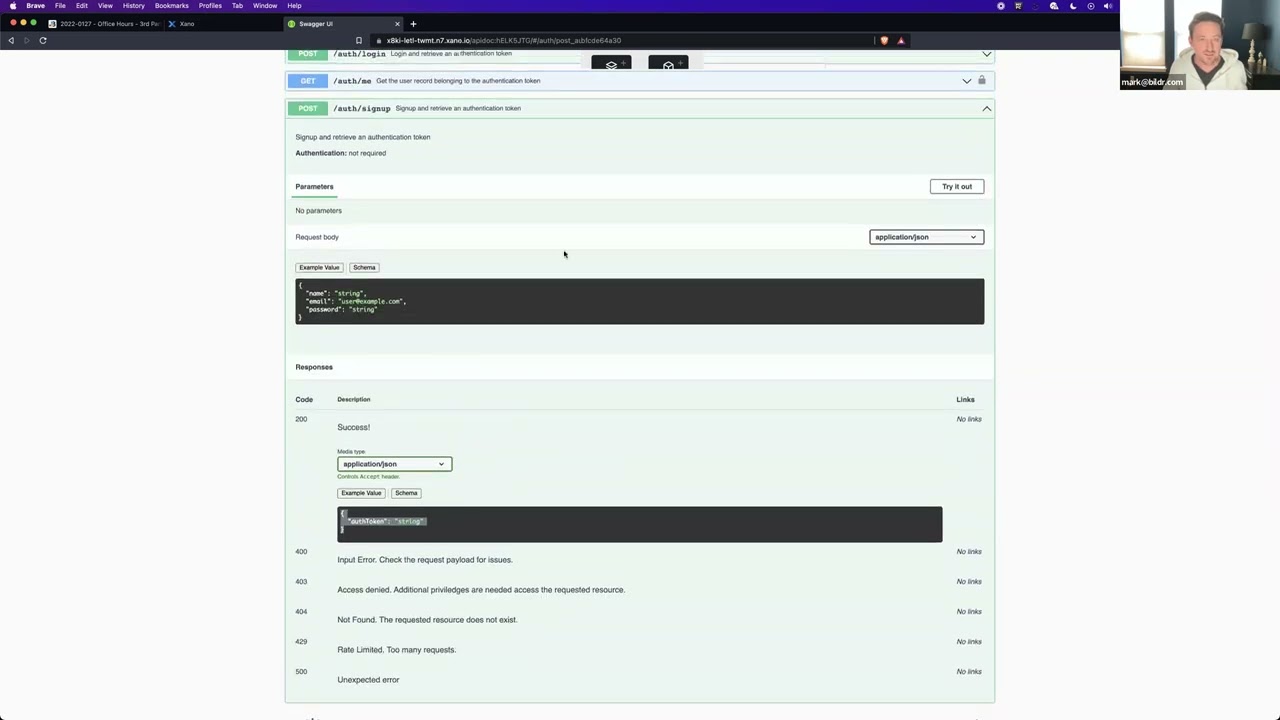
Define a user table and create API endpoints for user registration and login, returning a token upon successful authentication.
- Bildr Setup:
Design a login page and connect the form inputs to your Xano login API using Bildr’s API tool.
- Handling Sessions:
Store the login token in local storage or cookies using Bildr’s functionalities, and use this token for subsequent API calls to authenticate user sessions.
Debugging and Testing
Throughout the integration process, continuously test the connection between Xano and Bildr.
- Ensure that data flows correctly between the frontend and backend.
- Use the debugging tools available in both platforms to monitor API requests and responses, checking for any errors or data-handling issues.
Conclusion
Integrating Xano with Bildr can significantly enhance your application development capabilities, allowing you to leverage the strengths of both platforms.
With Xano managing the backend and Bildr handling the frontend, developers can efficiently create feature-rich, scalable web applications without deep coding knowledge — speeding up the development process and reducing technical debt.
Tutorials
Step-by-step video guides walking you through Bildr and Xano integration.


©2026 Xano. All Rights Reserved.


